Banner

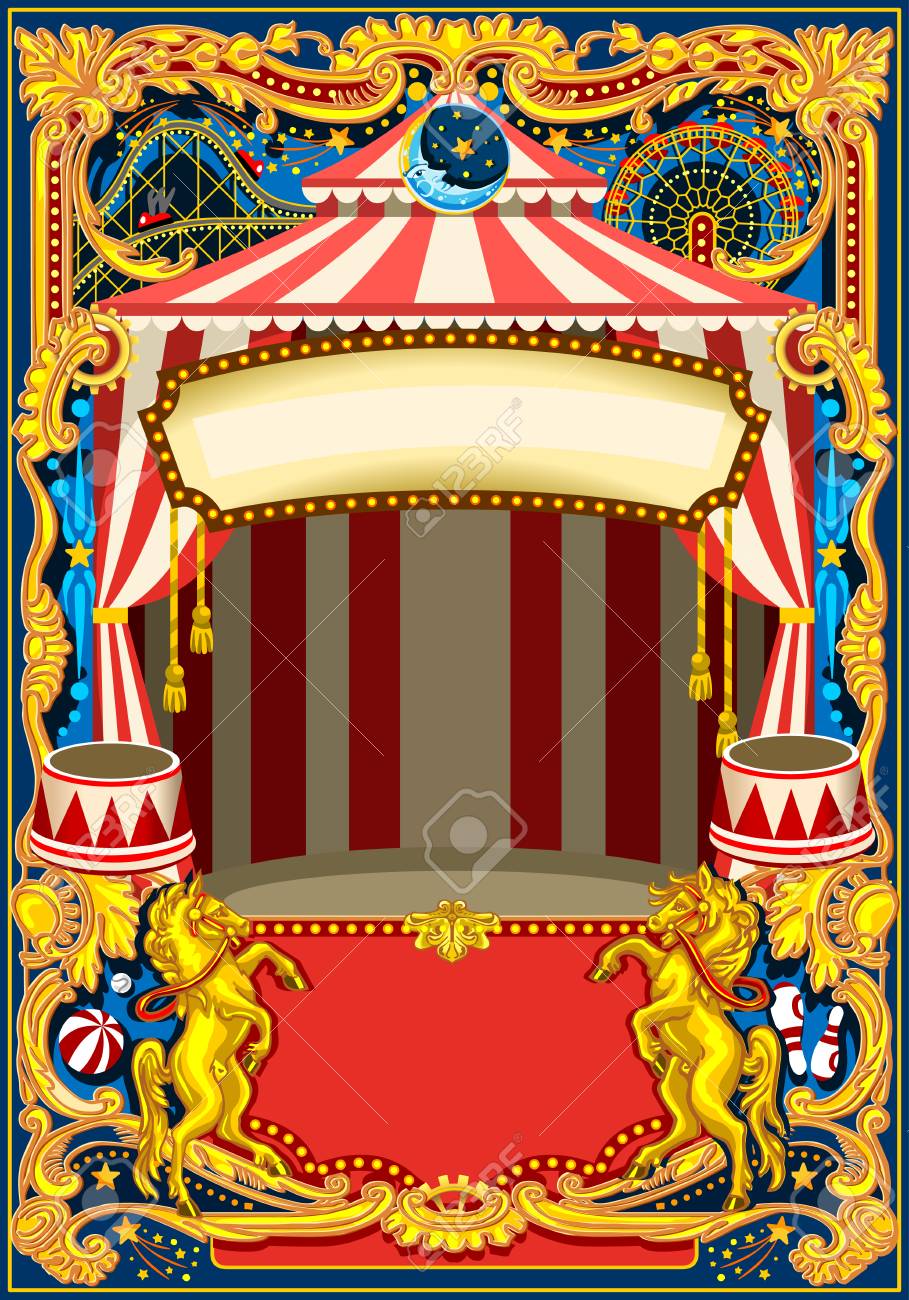
I removed the background and the rest of the image by layering and masking the banner image. I created a layer mask.
I selected the image as a subject, created the outline and then applied my mask.
I applied a blending mode 'color dogde' to make the banner seem like there is a light shining through so my text could stand out more.
I added text to the banner using the font Savoye LET in size 72 and color black.
Trapeze 2

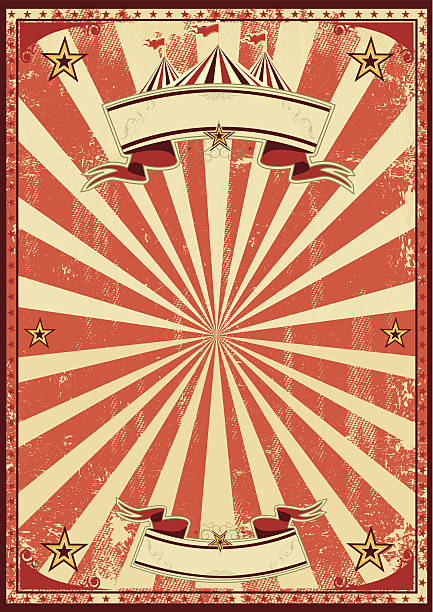
I removed the background and the rest of the image by layering and masking the banner image. I created a layer mask.
I selected the image as a subject, created the outline using overlay and then applied my mask.
I did not change the colors of effect in this image as i chose a grainy image which went with my theme of retro and vintage.
Elephant

the backgroud and text was removed from this image by layering and masking.
After creating the outline to be masked i smoothed out the edges.
Circus

The only change I made to this image was expanding the size and adjsting the colors to make it stand out.
I edited the images hue and saturation to stand out more (Hue: -7) (saturation: +26) (lightness:-1)
Tiger

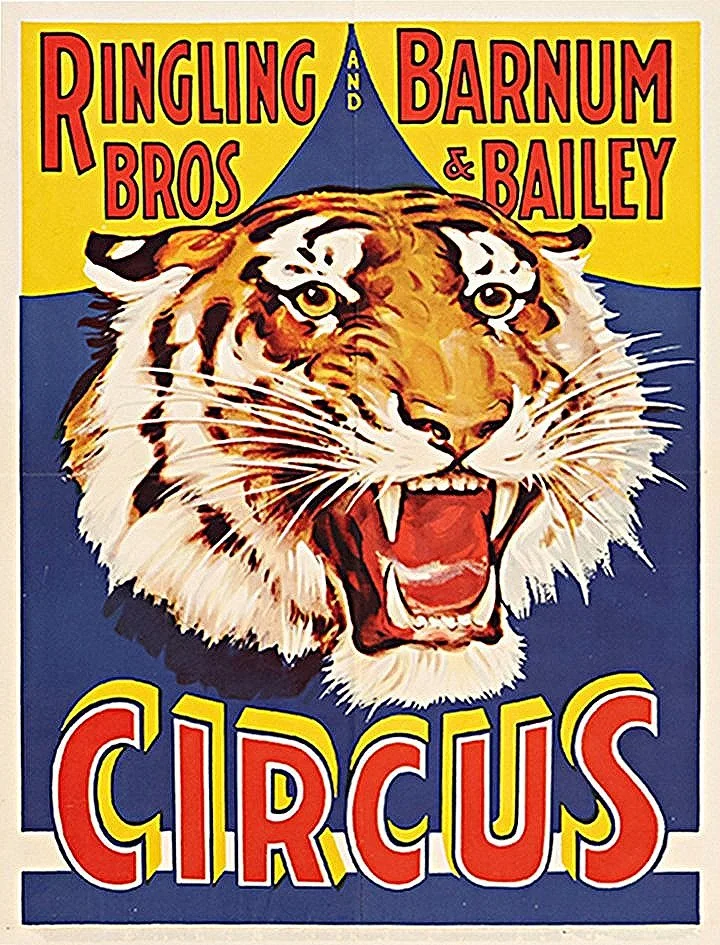
I removed the background and the rest of the image by layering and masking the banner image. I created a layer mask.
I selected the image as a subject, created the outline using overlay and then applied my mask.
I did not change the colors of effect in this image as i chose a grainy image which went with my theme of retro and vintage.
Add ons
I used Savoye LET font.
I warped my text in the top and bottom banner.
I used an eraser in various places to clean up pixels to create a more proffessional look.